Understand your work.
Automatic activity tracking that brings clarity and focus to your workday.
Built by
professionals
Understand your time.
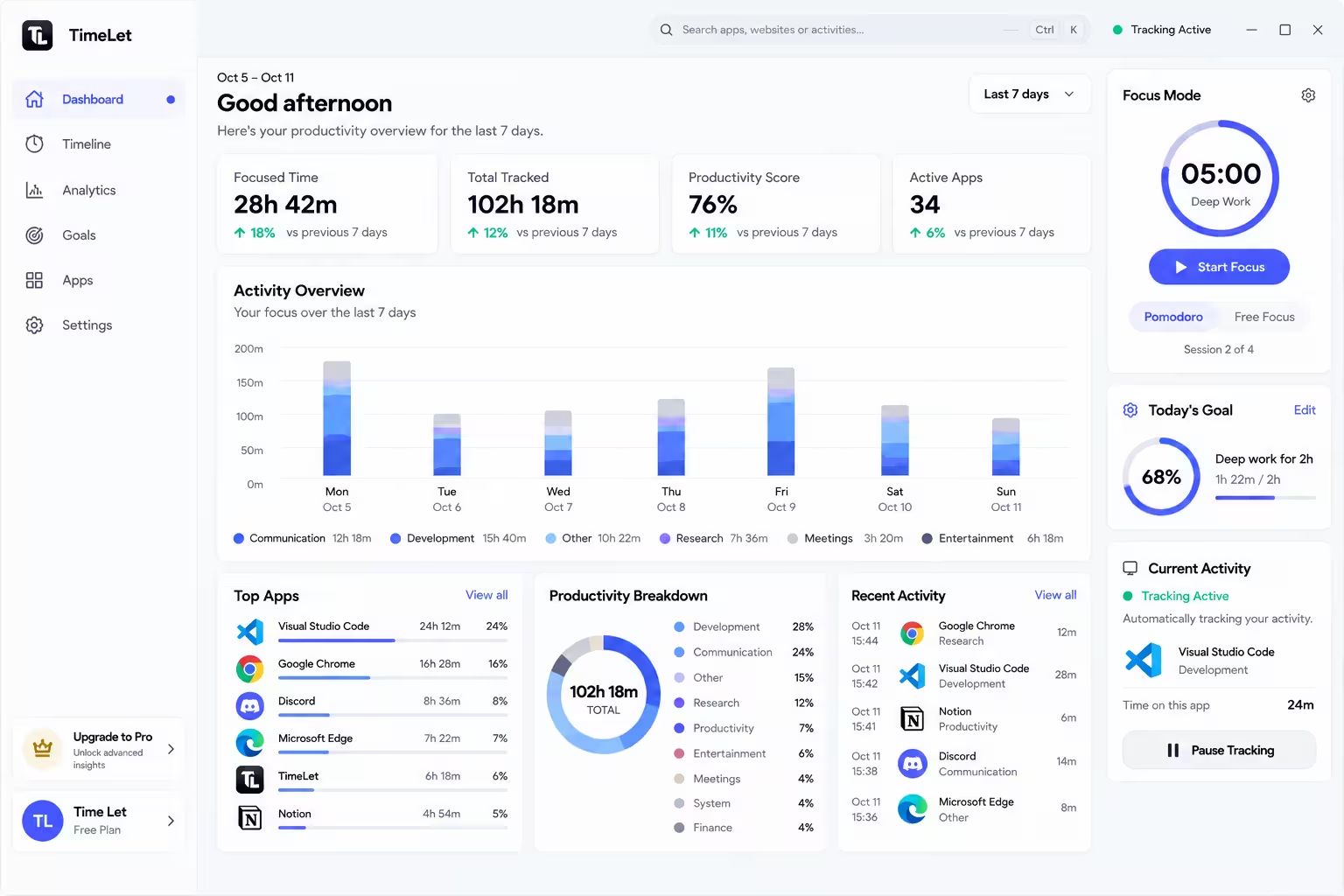
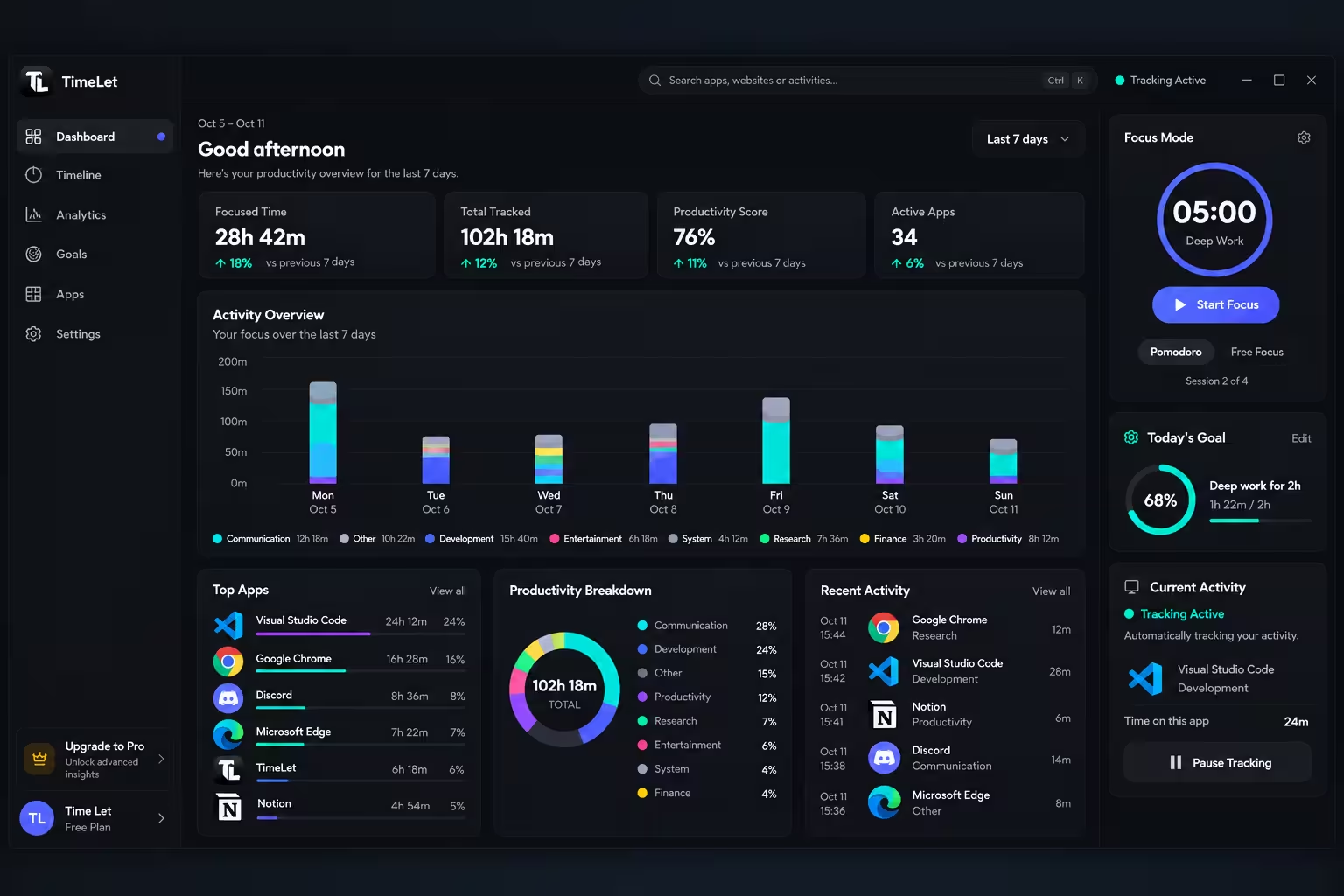
TimeLet tracks your activity, organizes it, and helps you understand how you spend your workday.
- 01 Track
Automatic activity tracking
TimeLet records your active apps and websites while you work.
- 02 Organize
Everything in one timeline
See your desktop and browser activity organized throughout your day.
- 03 Understand
Clear productivity insights
See your productive time, focused time, and activity patterns.
- 04 Improve
Focus on what matters
Use Focus Mode, goals, and analytics to build better work habits.
Simple plans for a more productive you.
Choose the plan that fits your workflow. Start free and upgrade whenever you are ready.
Free
For individuals
Forever
No card required
- Automatic activity tracking
- Daily timeline
- Basic analytics
- Focus Mode
- Personal goals
Pro
Most popularFor focused individuals
per month
Billed monthly
- Everything in Free
- Advanced analytics
- Unlimited history
- Detailed focus trends
- Enhanced weekly reports
Enterprise
For teams and organizations
per user / month
Billed monthly
- Everything in Pro
- Centralized team management
- Team productivity insights
- Organization-wide reporting
- Priority support
Prices in USD. Cancel anytime, and your tracked history stays yours.
Everything you need to know.
Clear answers to help you get the most out of TimeLet, from tracking your time to building better work habits.
General
What is TimeLet?TimeLet is a productivity intelligence app. It records the apps and websites you use while you work, organizes them into a timeline, and turns that into clear numbers: how long you worked, how much of it was productive, and how much was deliberate focus.
TimeLet is a productivity intelligence app. It records the apps and websites you use while you work, organizes them into a timeline, and turns that into clear numbers: how long you worked, how much of it was productive, and how much was deliberate focus.
Who is TimeLet designed for?Anyone whose work happens at a computer and who wants an honest picture of their day: developers, designers, writers, students, freelancers, and people who bill or plan by the hour.
Anyone whose work happens at a computer and who wants an honest picture of their day: developers, designers, writers, students, freelancers, and people who bill or plan by the hour.
How does TimeLet work?The desktop app runs quietly in the background and notes which application is active. The browser extension adds the websites you visit. Both sync to your account, and the web dashboard shows the result as a timeline, analytics, focus sessions, and goals.
The desktop app runs quietly in the background and notes which application is active. The browser extension adds the websites you visit. Both sync to your account, and the web dashboard shows the result as a timeline, analytics, focus sessions, and goals.
Which platforms does TimeLet support?TimeLet has a desktop app for Windows, a browser extension for Chrome and Chromium-based browsers, and a web dashboard you can open from any modern browser.
TimeLet has a desktop app for Windows, a browser extension for Chrome and Chromium-based browsers, and a web dashboard you can open from any modern browser.
Is TimeLet a time tracking tool or a productivity tool?Both. Tracking is automatic, so you get an accurate record without starting timers. On top of that record, Focus Mode, goals, and productivity analytics help you change how you spend the time.
Both. Tracking is automatic, so you get an accurate record without starting timers. On top of that record, Focus Mode, goals, and productivity analytics help you change how you spend the time.
Still have questions?
Browse the full documentation or write to us. A real person replies.